
For those of you who have started Gothic Remake after Patch 1.0.3, you’ve probably noticed a frustrating bug: every time you talk to Melvin during the Swamp Camp recruitment mission, the game freezes, and you’re forced to shut it down. The good news? You can always skip Melvin if you’re aiming to join the Swamp Camp, since you only need approval from four out of five Baals.
Still want Melvin’s approval? There’s a fix for this annoying bug, whether you’re on PC or console. The Melvin bug was officially addressed in the Version 1.0.3 Hotfix released on July 10, 2026. However, this update has brought along some new audio issues for many players.
What Is The Gothic Remake Melvin Bug?
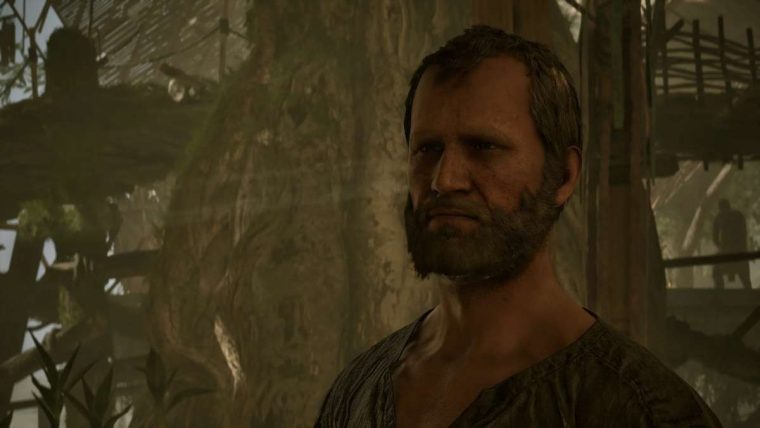
If you haven’t reached the Swamp Camp recruitment mission yet, here’s what you need to know about the Gothic Remake Melvin bug. To get Dusty from Old Camp to follow you in the “New Souls for the Brotherhood” quest, you have to talk to Melvin. But after a few lines back and forth, your dialogue options vanish, and the game freezes.
To get things moving again, you’ll have to force-quit the game, which ends up breaking the quest to recruit Dusty for Baal Tondral in the Swamp Camp. It’s a headache for both console and PC players.
The 1.0.3 Hotfix Update
Akimia Interactive tackled the main issue in the Version 1.0.3 Hotfix. This update fixes the dialogue camera bug that often hit Melvin, as well as characters like Raven and Stone. Now, you shouldn’t get stuck in conversations during the New Souls for the Brotherhood quest.
While this update solves the Melvin bug, it introduces a new problem: an audio channel leak that can cut out all sound in the game. Do make sure that after updating, your game version shows CL 170775 in the Settings menu (bottom-right corner). If you run into any more issues, report them through the official bug reporter.
The New Melvin Audio Bug
Now, circling back to those audio issues. While the 1.0.3 Hotfix sorted out the Melvin dialogue bug, players are now running into a new audio glitch. You might lose sound after a while or miss out on footsteps entirely, which can really spoil the experience. The developers are aware, and more patches are on the way. For now, your best options are to restart the game or roll back to a previous build on Steam.
Fixing the Melvin Bug On PC
To fix the Melvin bug on PC, just download and install the latest Version 1.0.3 Hotfix using your platform’s automatic updates. On Steam, right-click Gothic 1 Remake, go to Properties, then Game Version & Betas, and make sure you’re on the main branch to get the hotfix (CL 170775).
Fixing the Melvin Bug On Console
For PS5 and Xbox Series X/S, follow the same steps: check for the update and confirm your version number matches what’s listed above.
Just Skip Melvin Altogether
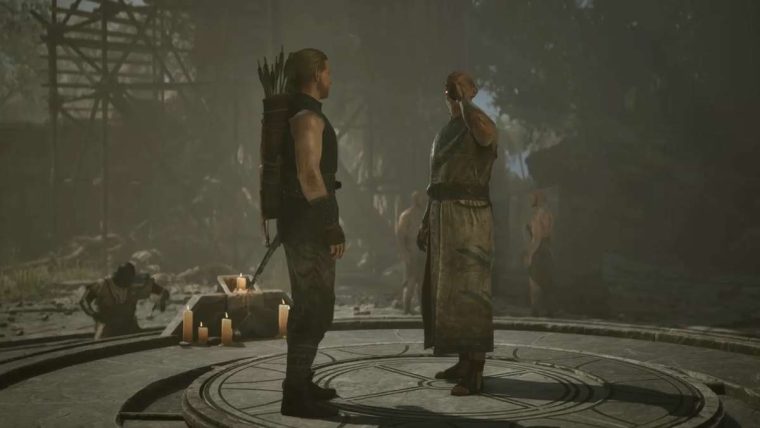
If you’d rather not deal with all these fixes, just skip Melvin. As mentioned earlier, you only need approval from four out of five Baals. Here’s who you should talk to:
- Baal Namib: Talk to Lester and choose the dialogue option, “How do I get your master to speak to me?”
- Baal Orun: Do the Ghorim’s Replacement side quest and then speak to Baal Orun.
- Baal Cadar: Do the Swampweed Harvest side quest given to you by Baal Orun, to be rewarded with a Sleep Scroll if you don’t have one already. Now cast Sleep on one of Baal Cadar’s students in his presence.
- Baal Tyon: Do the Canvassing Customers side quest in the New Camp to be rewarded with a Dreamcall (Prepared) roll. Go ahead and impress him with it. Let the man enjoy it in peace. Simple as that.
To make sure your progress isn’t lost to a frustrating bug, always remember to save your game. That way, if you have to force-quit, your hard work is safe.


